
DoMarks
The to-do app for bookmarks. Every saved page gets an action — and stays on the list until you complete it.
- Developer
- Josh Hrach / Random Projects
- Version
- 4.0
- Platforms
- iPhone, iPad, Mac
- Requirements
- iOS 17.2, macOS 14.2
- Price
- Free, with Premium
- Languages
- EN, ES, FR, DE, TR
About DoMarks
DoMarks is the to-do app for bookmarks. Most saved links go into a folder and are never opened again, because a bookmark records that something exists without recording what you meant to do about it. DoMarks adds that missing half. Every saved page gets an action — watch, listen, read, or one of your own — and stays on the list until you complete it.
Links come in from anywhere: the share sheet in Safari and other apps, Shortcuts, Siri, Control Center, or the app itself. Tags cut across actions, so a single list can be narrowed to the part you want. Everything syncs across iPhone, iPad, and Mac through iCloud.
Version 4.0 brings a fresh new UI and Liquid Glass improvements, makes your library searchable from the Home Screen through Spotlight and Siri, adds Apple Intelligence support, and puts DoMarks in Control Center.
What's New in 4.0
A redesigned bookmark list
All new design for bookmark cards. Its action shows as a colored panel behind the card's top edge, tags sit beneath the title, and each bookmark shows its site's icon.
Search from outside the app
Bookmarks, tags, and actions are searchable from the Home Screen through Spotlight. Say "Search DoMarks for" followed by anything you've saved, and the app opens with that text already in the search field.
Apple Intelligence
Ask Siri to save the page you're reading in Safari, open a bookmark by name, or delete one — deleting moves it to the trash rather than removing it permanently. With bookmarks, actions, or tags on screen, you can refer to what you're looking at instead of naming it. Requires iOS 18 or later with Apple Intelligence turned on; on-screen awareness requires iOS 18.4 or later.
Bookmarks as cards in Siri and Shortcuts
Actions that return bookmarks show them as cards — title, website, action color, and tags. On iOS 26 those cards carry Complete and Open buttons, so a bookmark can be finished without leaving Siri, and adding, deleting, restoring, completing, updating, and duplicating a bookmark can all be undone.
Control Center
New Mark opens DoMarks ready to add a bookmark. Surprise Me opens one of your saved pages at random without the app appearing at all. Open DoMarks and Open List round out the set, and any of them can be assigned to the Action Button.
Deeper Shortcuts support
Eleven new actions, including Open Mark, Complete Mark, Empty Trash, and Find Marks by Website. Get Marks gained sorting, result limits, and trash control. Update Mark can now remove or replace tags and change a bookmark's address. Add Mark returns the bookmark it created, so it can feed later steps.
Four more languages
DoMarks is now fully localized in Spanish, French, German, and Turkish.
Key Features
Saving
- Share Extension — save any link system-wide from Safari and other apps, on iPhone, iPad, and Mac, without switching apps
- Safari Extension — save the page you're on from Safari's toolbar
- Control Center — start a new bookmark, or open a saved page at random, without opening the app
- Siri and Apple Intelligence — ask Siri to save the page you're reading
- Drag and drop — drop a URL onto a list to save it there
Organizing
- Actions — label each bookmark with what you mean to do with it: watch, listen, read, or your own, with a custom symbol and color
- Tags — apply multiple tags for organization that cuts across actions
- Completing — check a bookmark off and it moves to your completed list
- Trash — deleted bookmarks are recoverable for 30 days
Finding
- Spotlight — bookmarks, tags, and actions are searchable from the Home Screen
- Siri search — speak a phrase and DoMarks opens with it in the search field
Everywhere else
- Widgets — a configurable widget showing any filter, action, or tag on your Home Screen
- Shortcuts and App Intents — automate saving, finding, completing, and organizing bookmarks
- iCloud sync — bookmarks, tags, and saved searches stay current across iPhone, iPad, and Mac
- Import and export — bring in an existing library, take yours with you
Pricing
DoMarks is free to download and use. Certain limitations apply, including:
Free
The free tier covers 30 visible incomplete bookmarks, up to 10 tags, and the built-in actions. Completed bookmarks are hidden.
DoMarks Premium
Removes those limits and adds unlimited bookmarks and tags, access to your completed list, custom actions with their own symbols and colors, bulk import, and full export.
Privacy
DoMarks stores your bookmarks in your own iCloud account and syncs them through CloudKit. DoMarks uses TelemetryDeck for anonymous usage analytics, which does not collect personal data or build user profiles.
Privacy policy: https://domarks.app/privacy-policy/
Screenshots
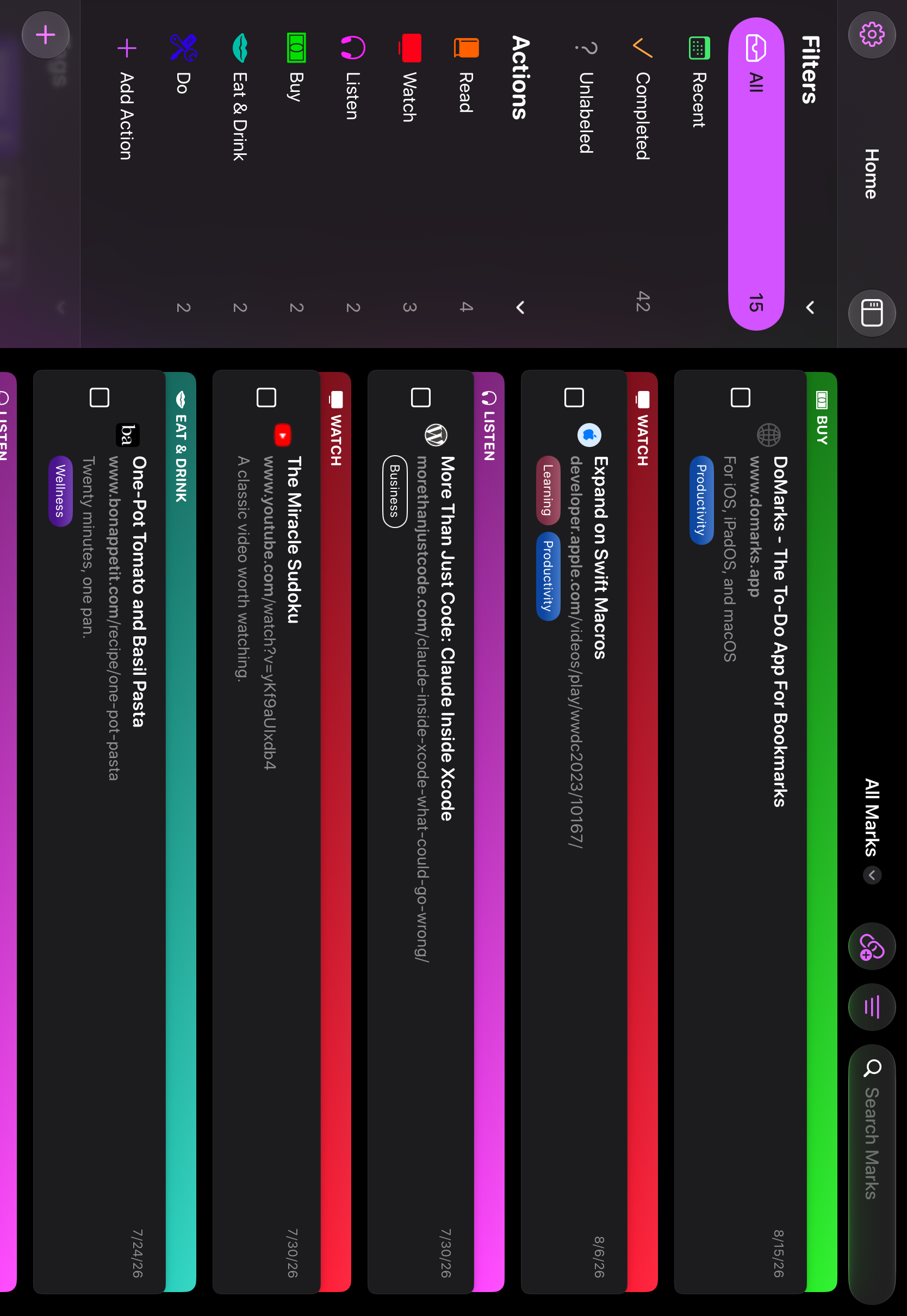
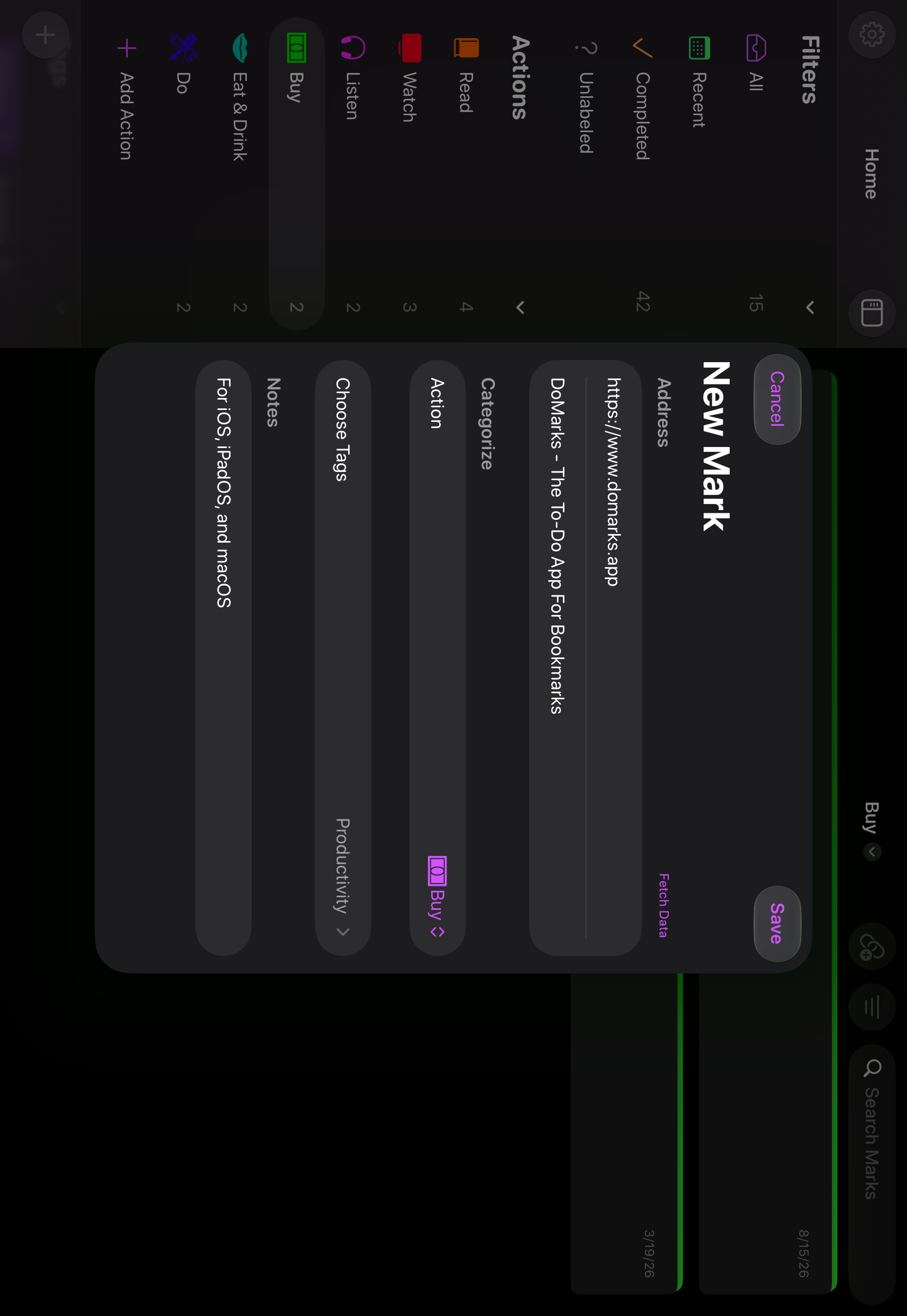
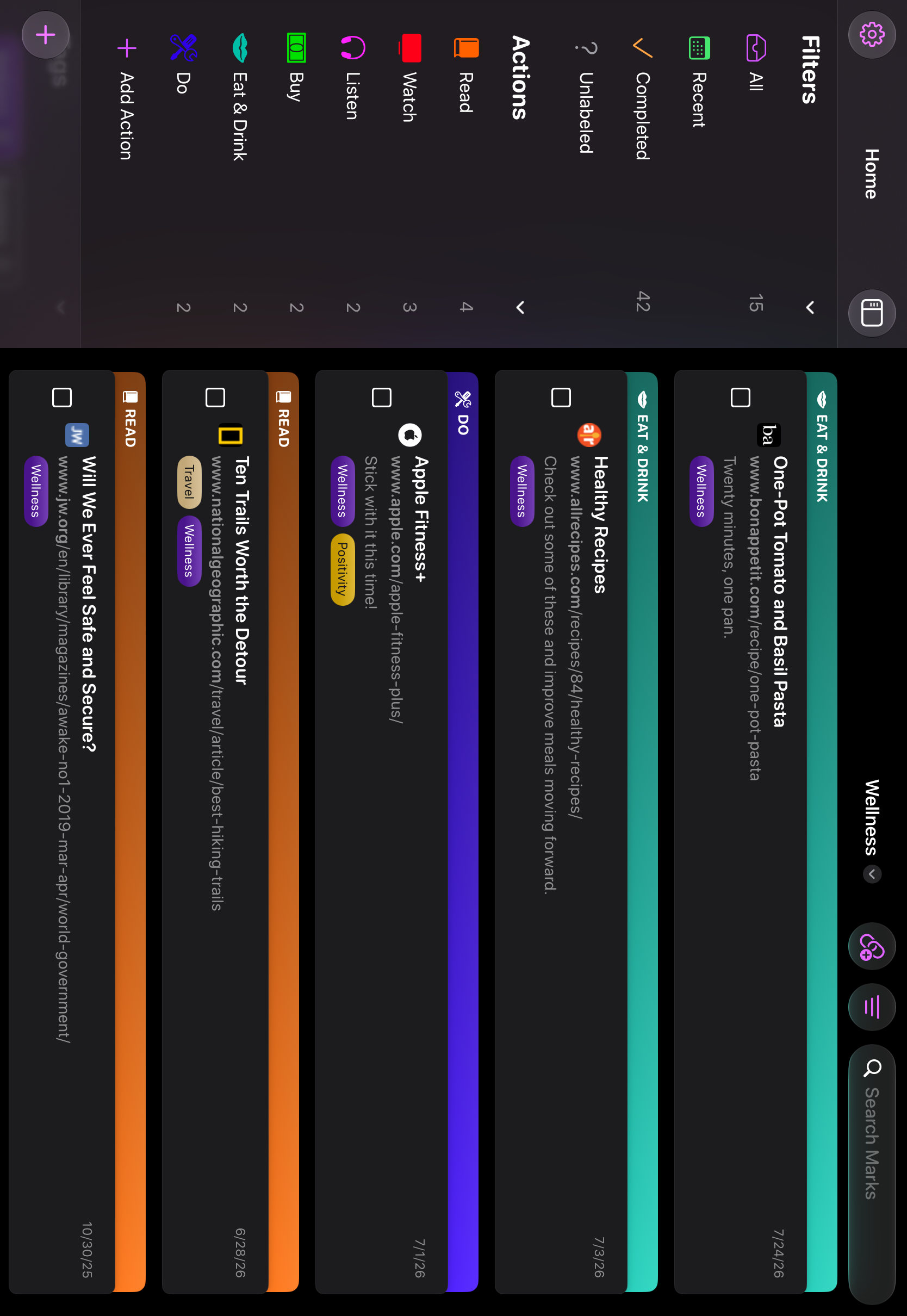
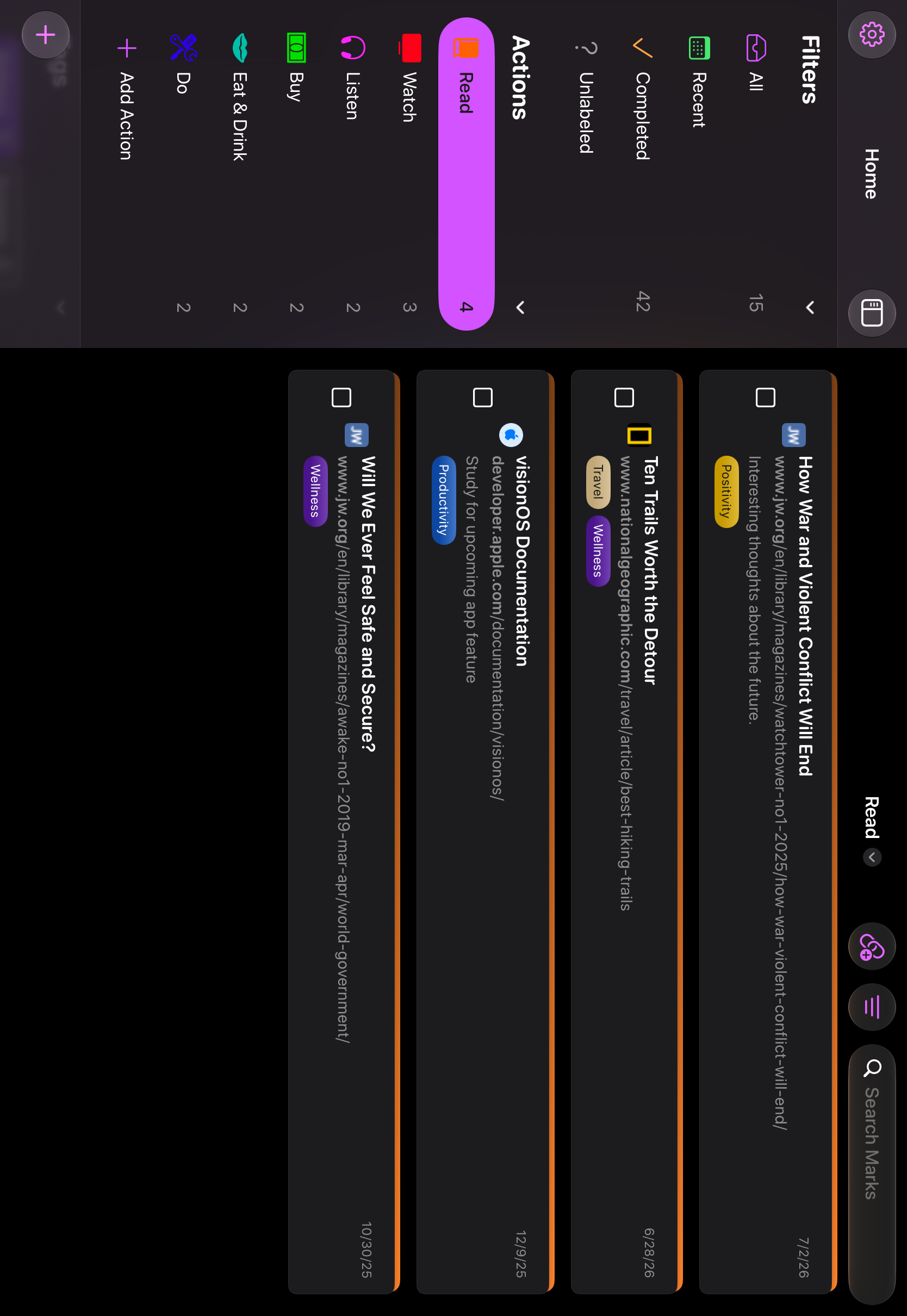
Download all 4.0 screenshots iPhone, iPad, and Mac — in English, Spanish, French, German, and Turkish.
Links & Contact
- App Store
- apps.apple.com/app/domarks
- App on X
- @DoMarksApp
- App on Mastodon
- @DoMarks@indieapps.space
Developer — Josh Hrach / Random Projects
- feedback@domarks.app
- Mastodon
- @JoshHrach@iosdev.space