
DoMarks
The To-Do App for Bookmarks
A bookmark tells you a page exists. DoMarks remembers what you meant to do about it.

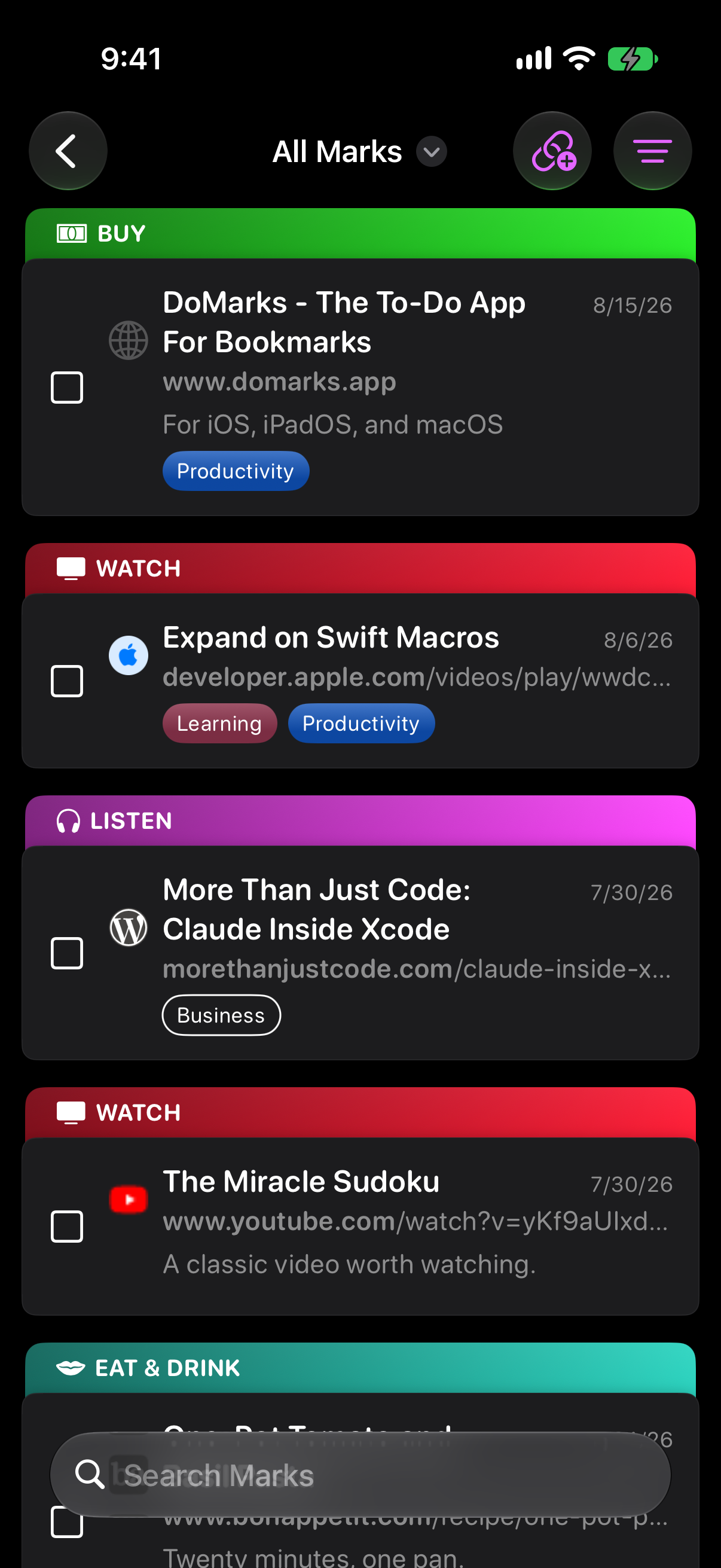
Every Link Gets a Next Step
Save a link and give it an action — watch, listen, read, or one of your own. It stays on your list until you check it off. That's the whole idea.
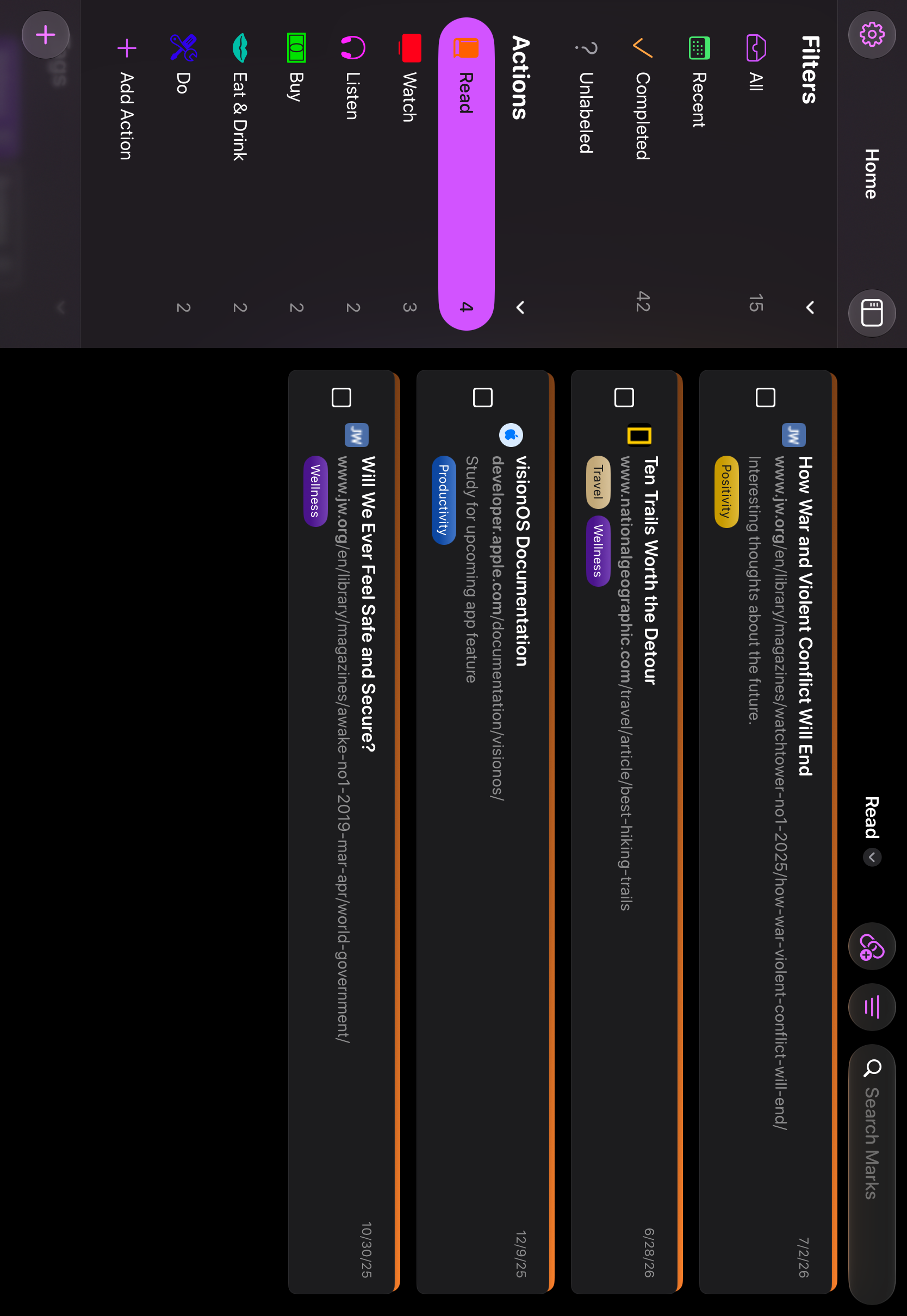
Actions Turn a Pile Into a Plan
Every Mark carries what you meant to do with it. Open your Read list when you have ten minutes, your Watch list when you have an hour. Premium adds custom actions with their own symbols and colors.
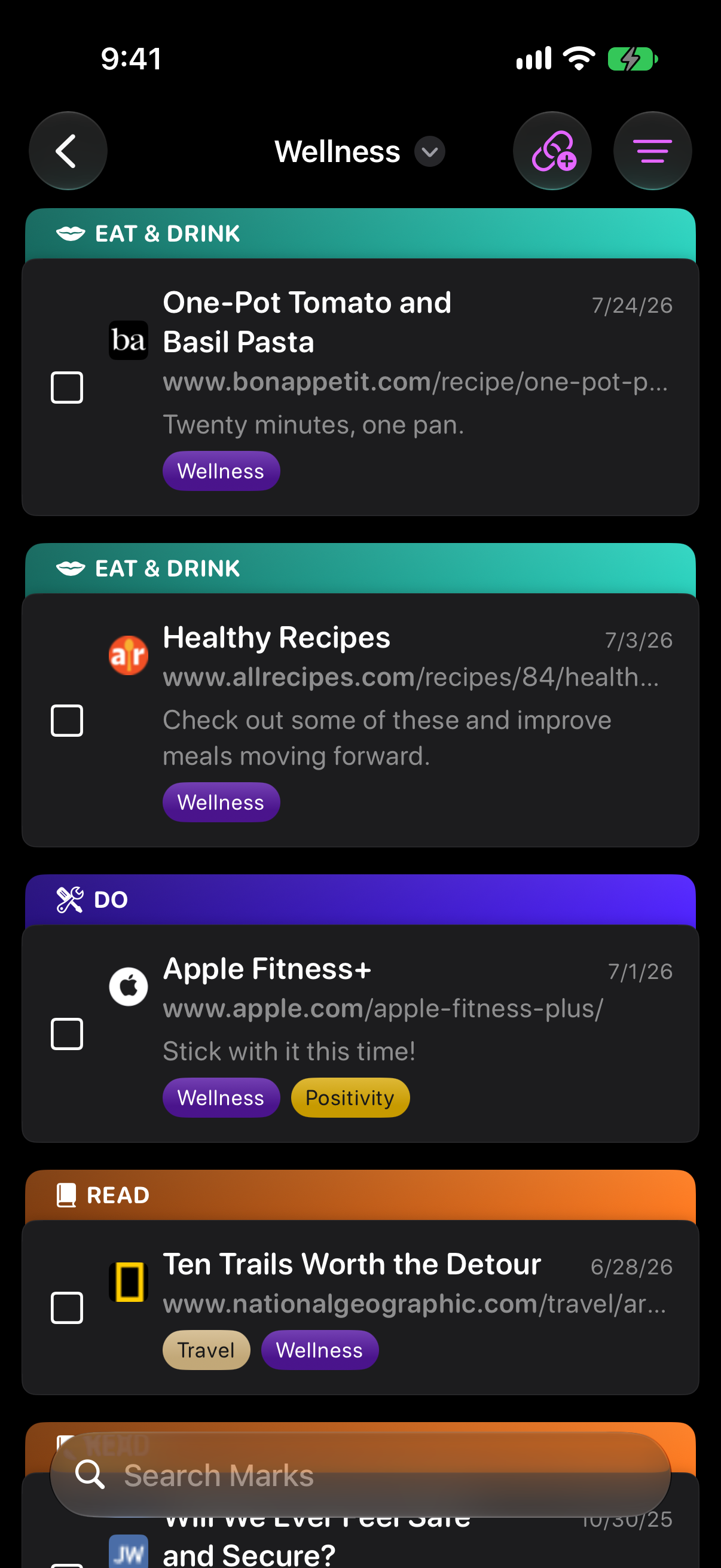
Tags Cut Across Your Lists
Tag a Mark with a project, a trip, a client — anything. Tags work across actions, so a single list narrows to exactly the part you want.
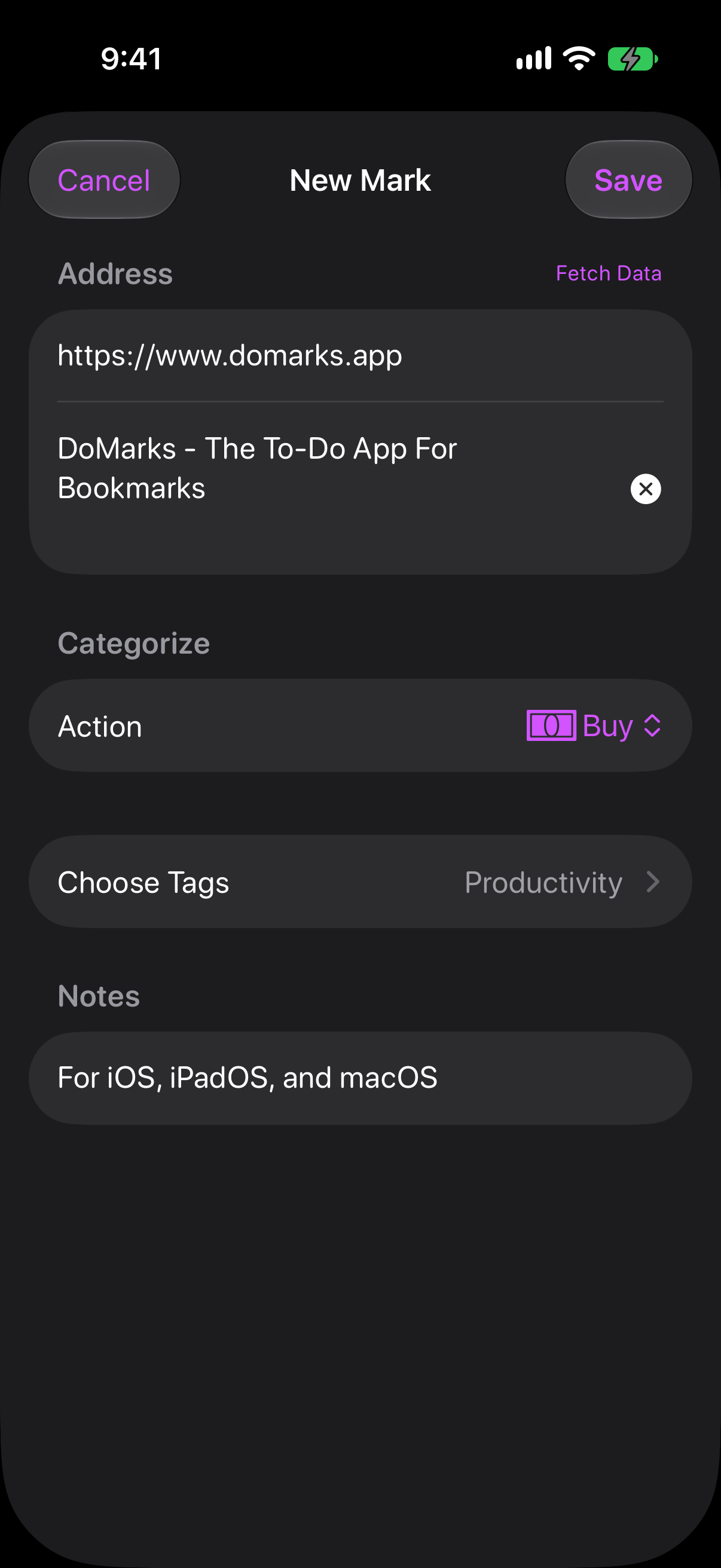
Save It From Wherever You Found It
The share sheet in Safari and every other app. Safari's toolbar on Mac. Control Center. Siri. Drag and drop on iPad and Mac. However the link reaches you, it's two taps from your list.
Ask Siri. Automate the Rest.
Ask Siri to save the page you're reading, open a Mark by name, or check one off. Eleven new Shortcuts actions cover finding, completing, and organizing — and Marks come back as cards you can act on without leaving Siri. On iOS 26, every change can be undone.
Find It Again From the Home Screen
Spotlight searches your Marks, tags, and actions. Say "Search DoMarks for" and anything you've saved, and the app opens with the results already waiting.
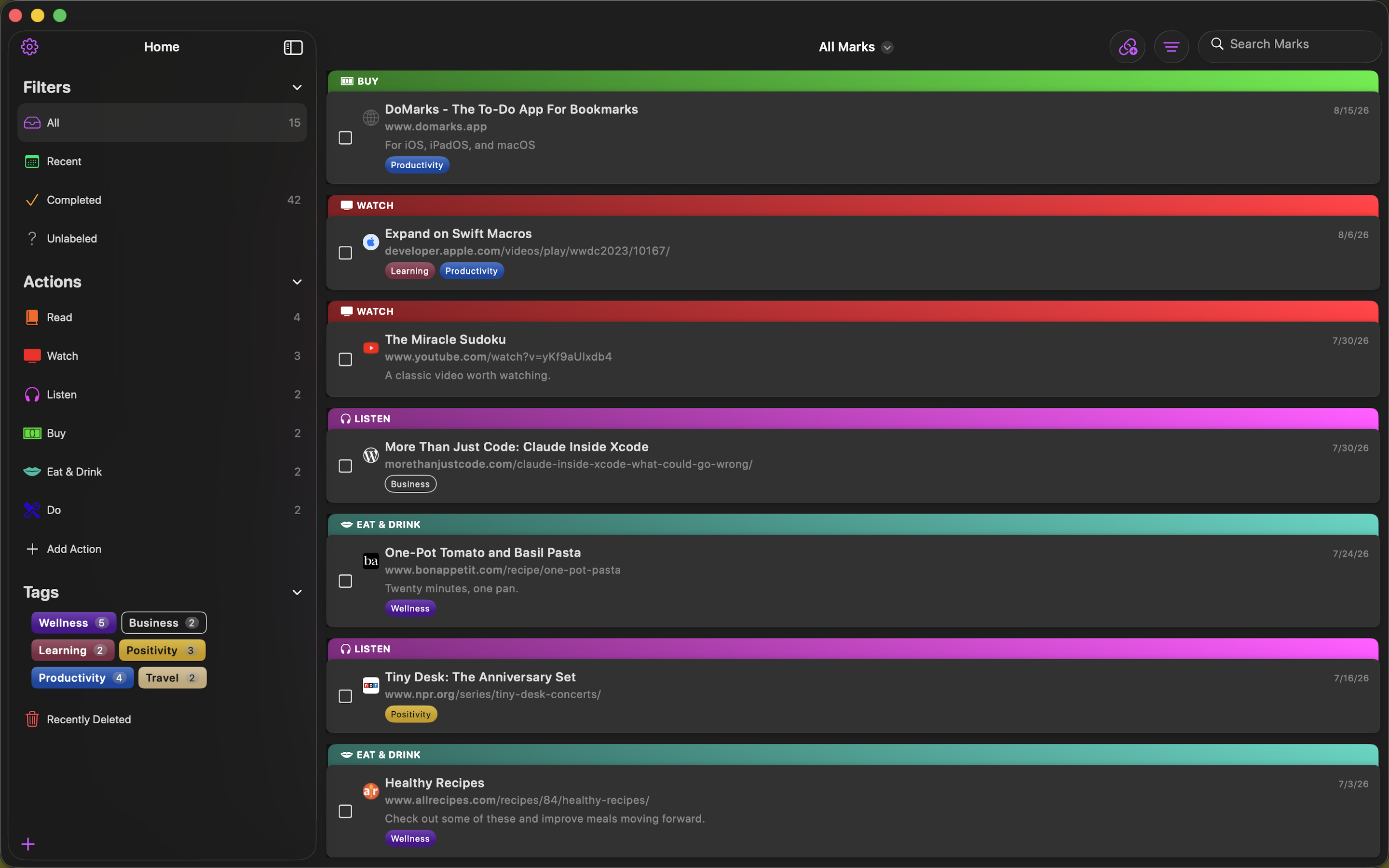
Everywhere You Work
iPhone, iPad, and Mac, kept in sync through your own iCloud account. Start a list on your phone and finish it at your desk.
And the Rest
Everything else DoMarks does, without the screenshots.
On your Home Screen
- Widgets — a configurable widget showing any filter, action, or tag
- Control Center — start a new Mark, or open a saved page at random, without opening the app
- Action Button — assign any of those controls to it
In your browser
- Safari Extension — save the page you're on from Safari's toolbar
- Share Extension — save any link system-wide, without switching apps
- Drag and drop — drop a URL onto a list, action, or tag on iPad and Mac
Keeping things tidy
- Completing — check a Mark off and it moves to your completed list
- Trash — deleted Marks are recoverable for 30 days
- Import and export — bring in an existing library, take yours with you
Free and Premium
- Free — 30 visible incomplete Marks, up to 10 tags, and the built-in actions
- Premium — unlimited Marks and tags, your completed list, custom actions, bulk import, and full export
- Five languages — English, Spanish, French, German, and Turkish